From photo to lookbook
Build a complete set.
Turn a garment photo into a set of AI fashion images. Preview different frames, inspect the details, and choose your favorites for final-quality renders.
 AI fashion studioAvailable now
Model shots. Product shots.
From one garment photo.
Create AI fashion imagery without booking a photoshoot. Choose the model, pose, and scene, then turn your favorite frames into a finished lookbook.
See how it works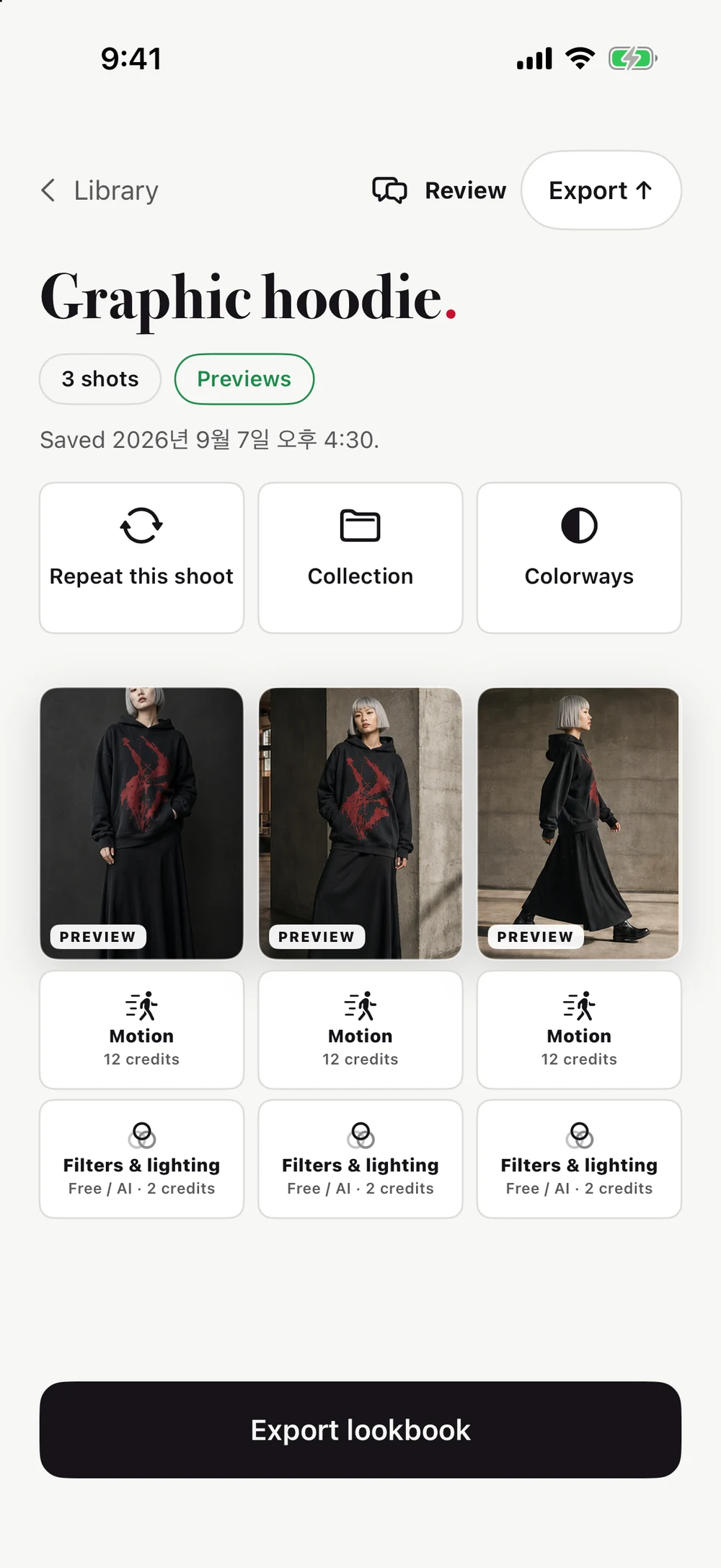
Your garment. Your direction.
For designers and small brands with more ideas than studio time. Test your creative direction, check how the garment reads, and build a lookbook around the frames you love.
From photo to lookbook
Turn a garment photo into a set of AI fashion images. Preview different frames, inspect the details, and choose your favorites for final-quality renders.
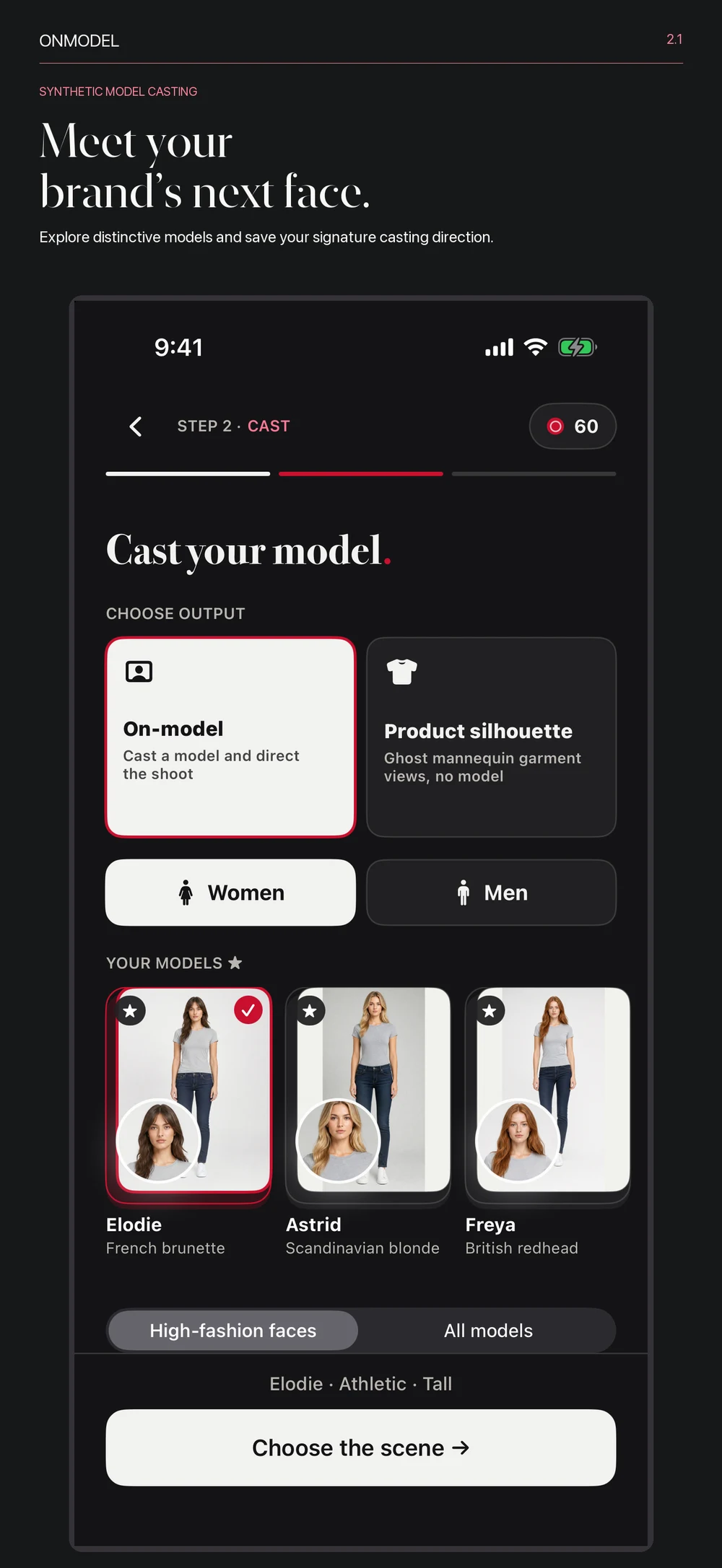
Your casting
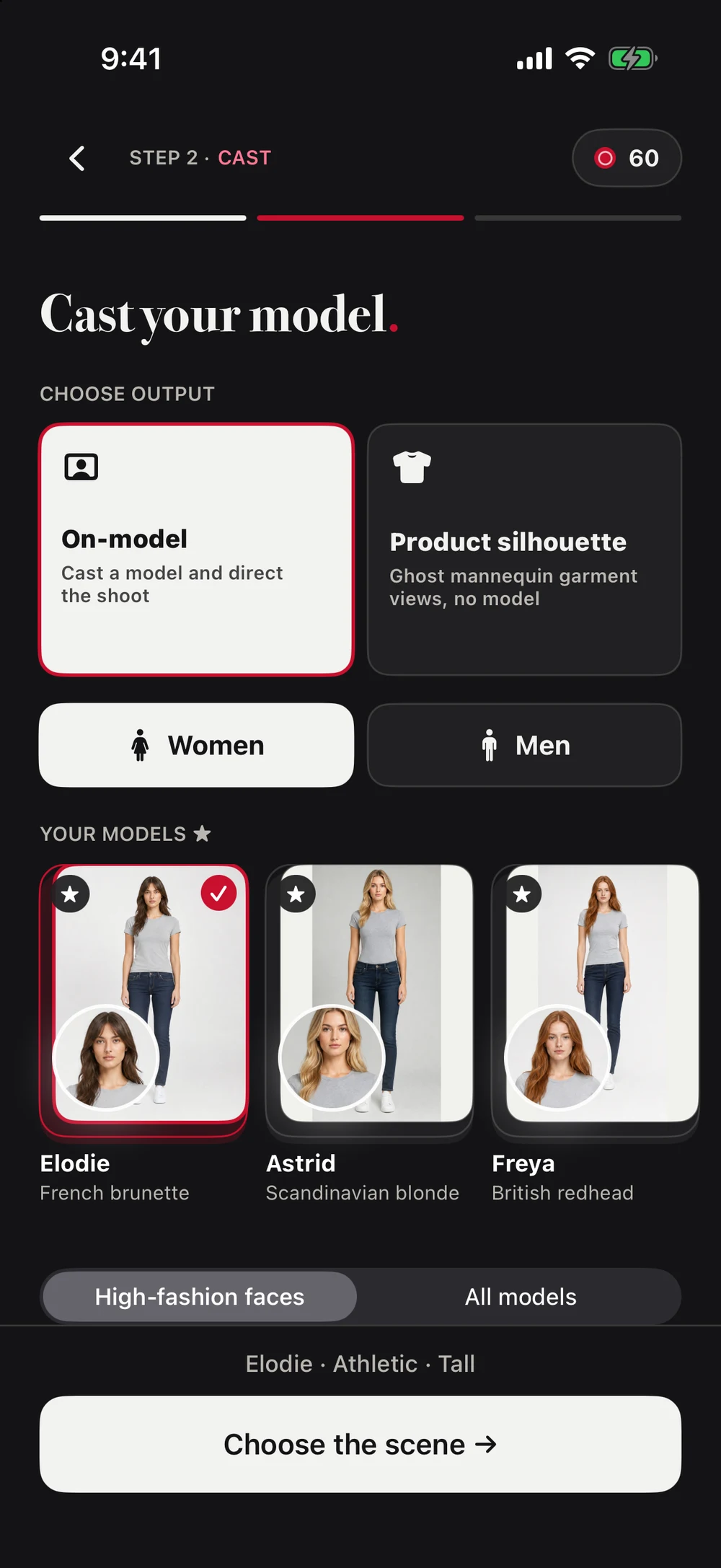
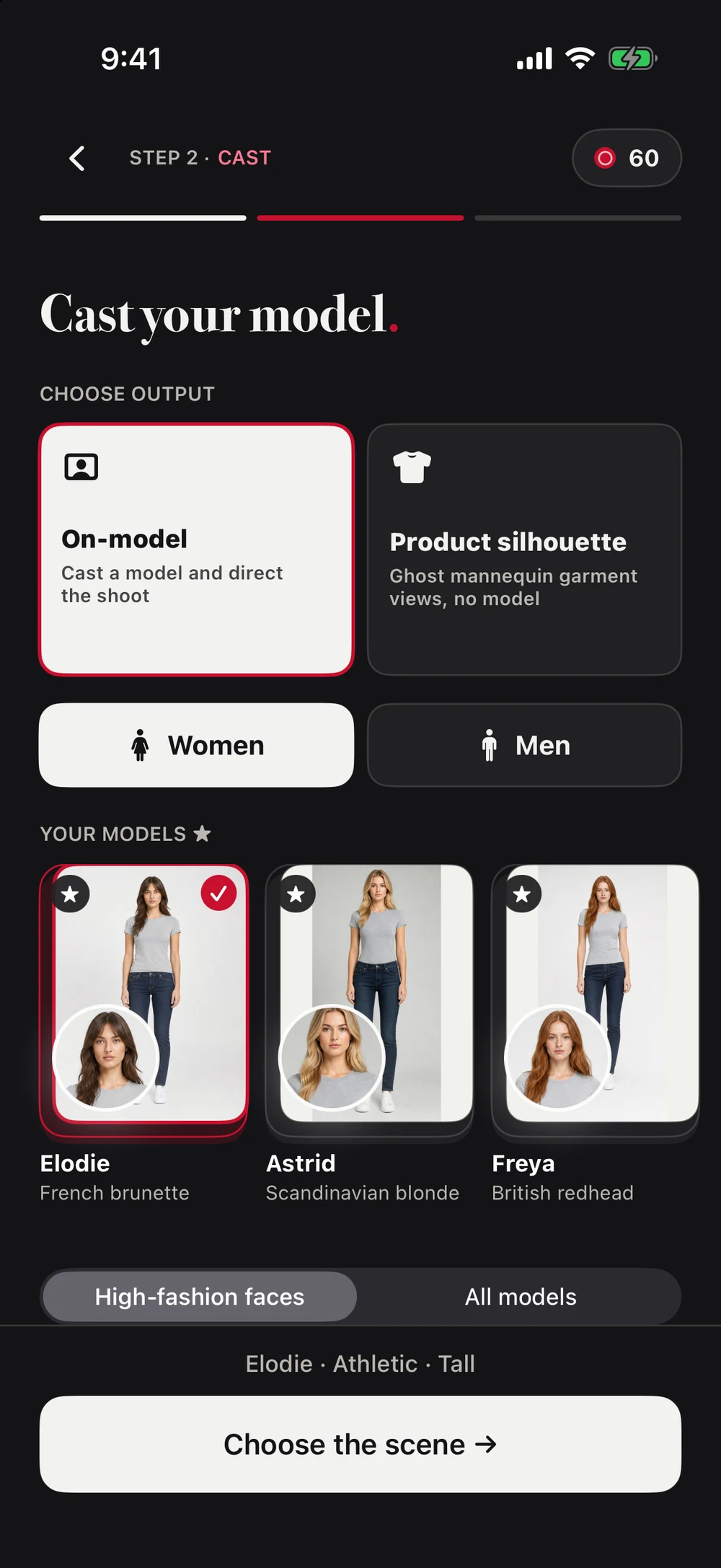
Find a synthetic model that fits your collection. Shape the styling and shot list, or choose Product Studio for garment-only imagery.
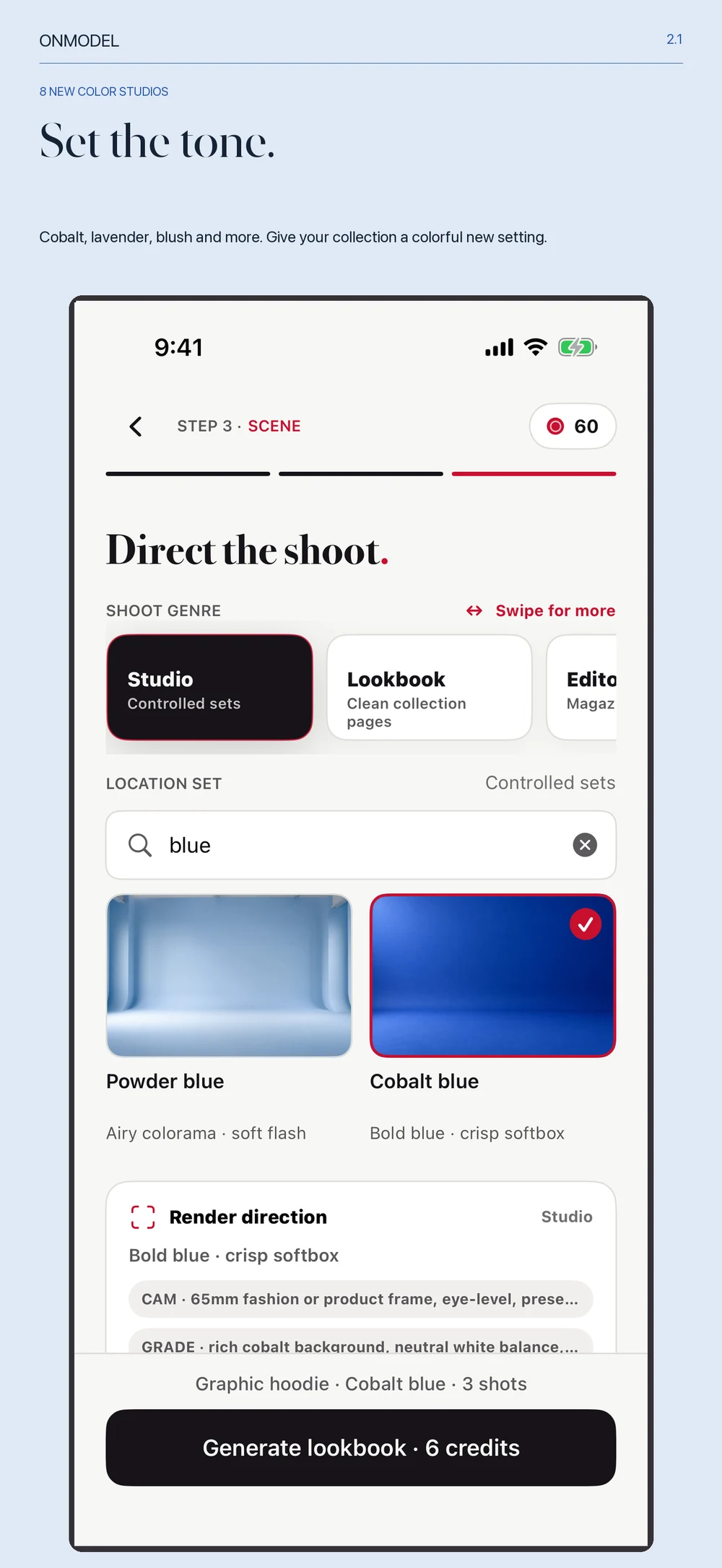
Your setting
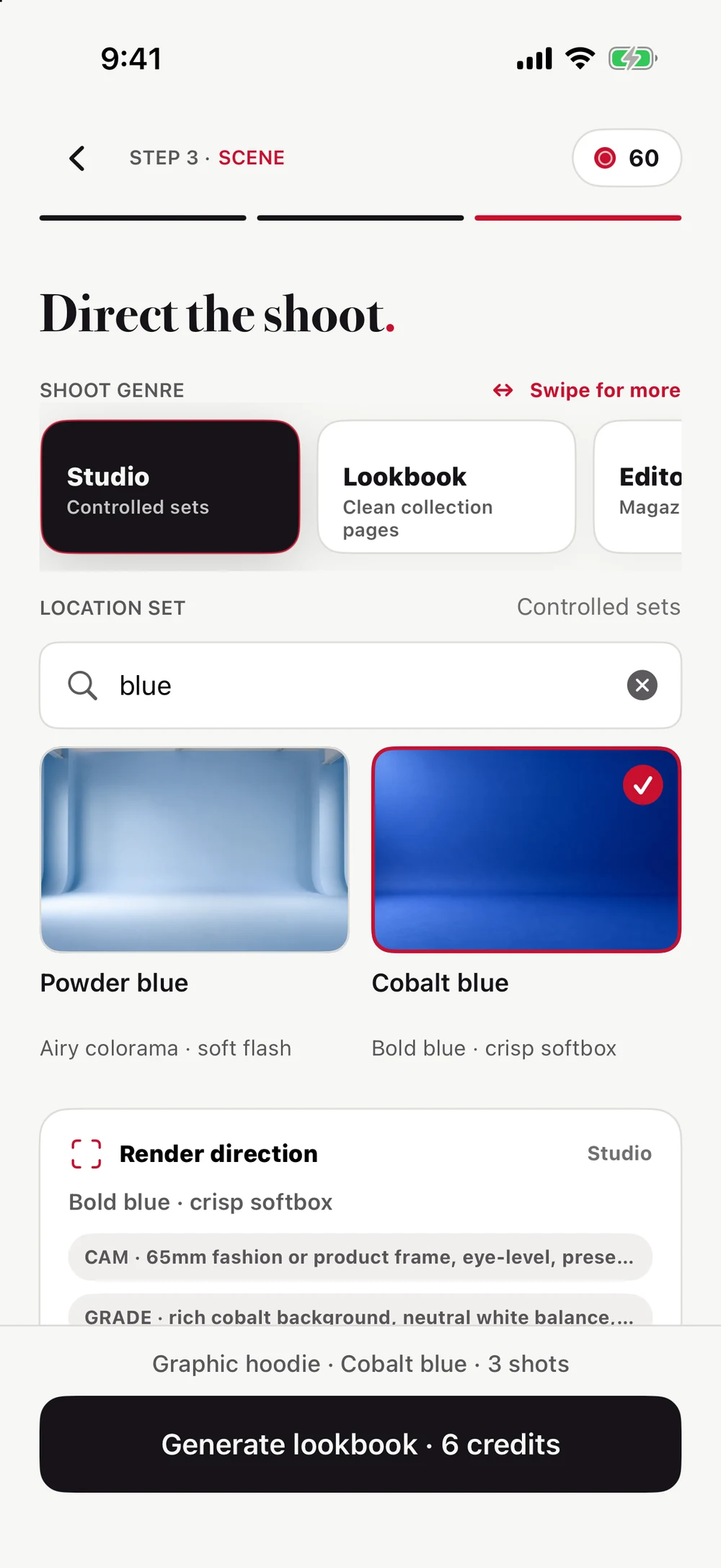
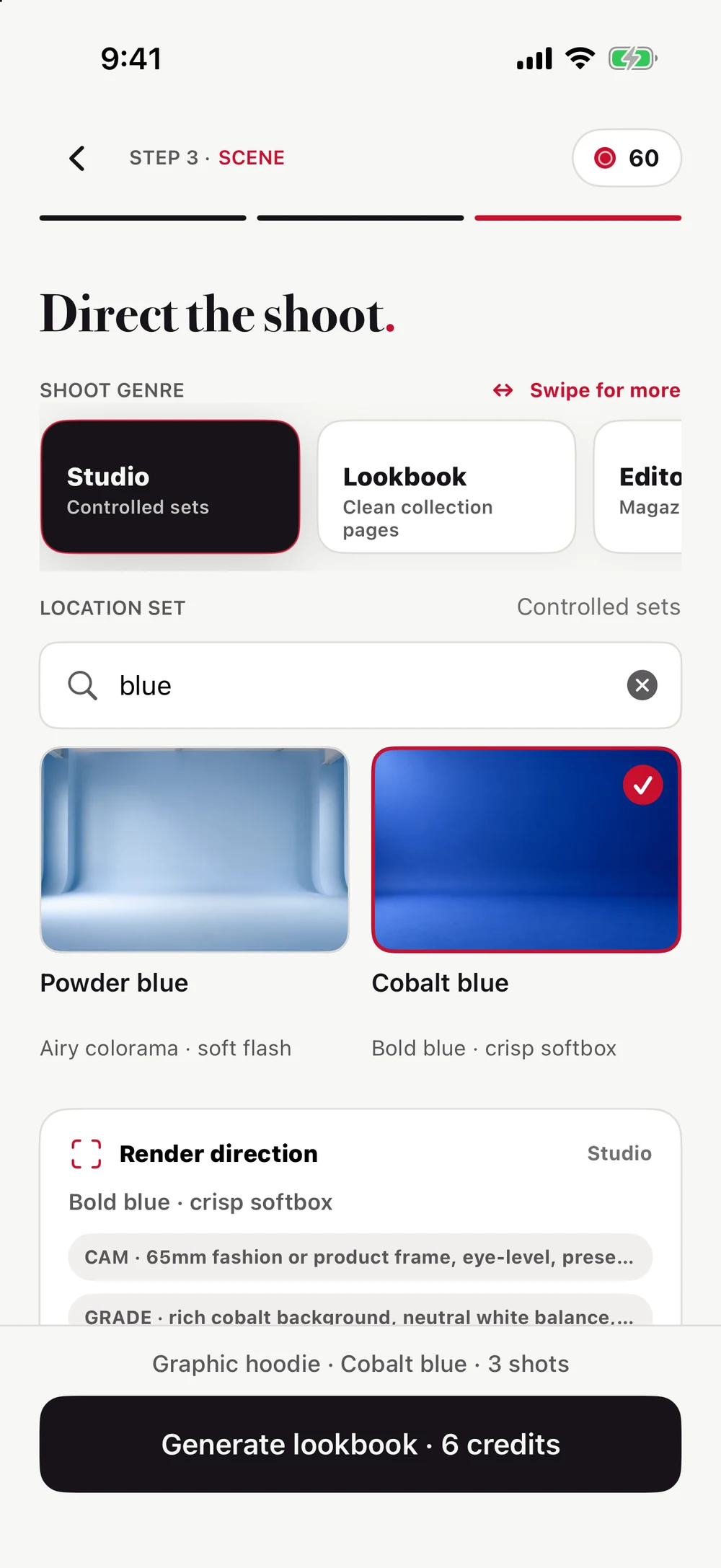
Clean studios, editorial sets, city streets, and luxury spaces. Choose a backdrop and visual direction that belong to your brand.
From sample to set
Made for independent labels, fashion designers, stylists, and e-commerce teams. No studio booking or complex prompts to get started.
Upload your piece. Check the fabric, fit, color, and details that should stay protected.
Cast a synthetic model or choose a ghost-mannequin product shot. Select the scene, styling, and frames.
Preview the set, inspect the details, and use Precision Repair where a shot needs another pass.
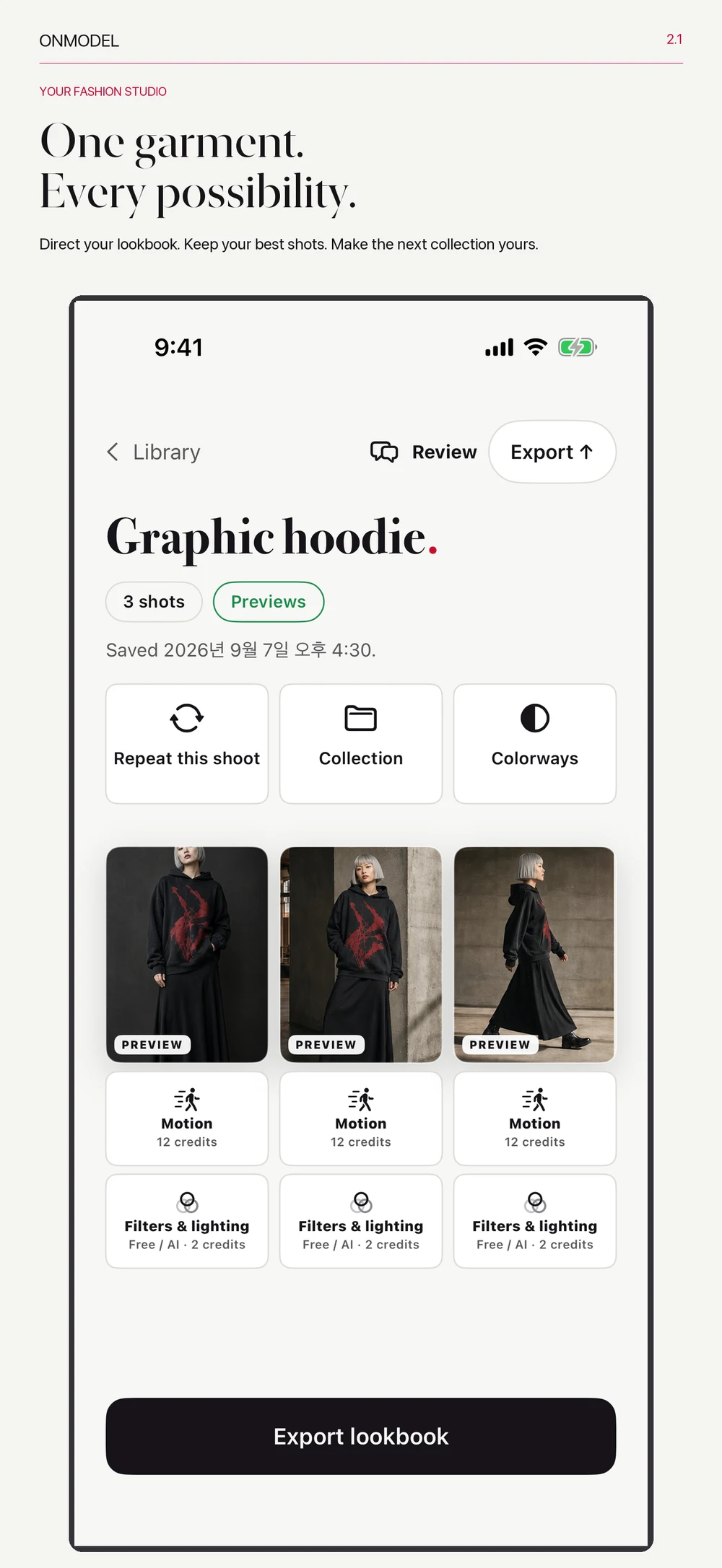
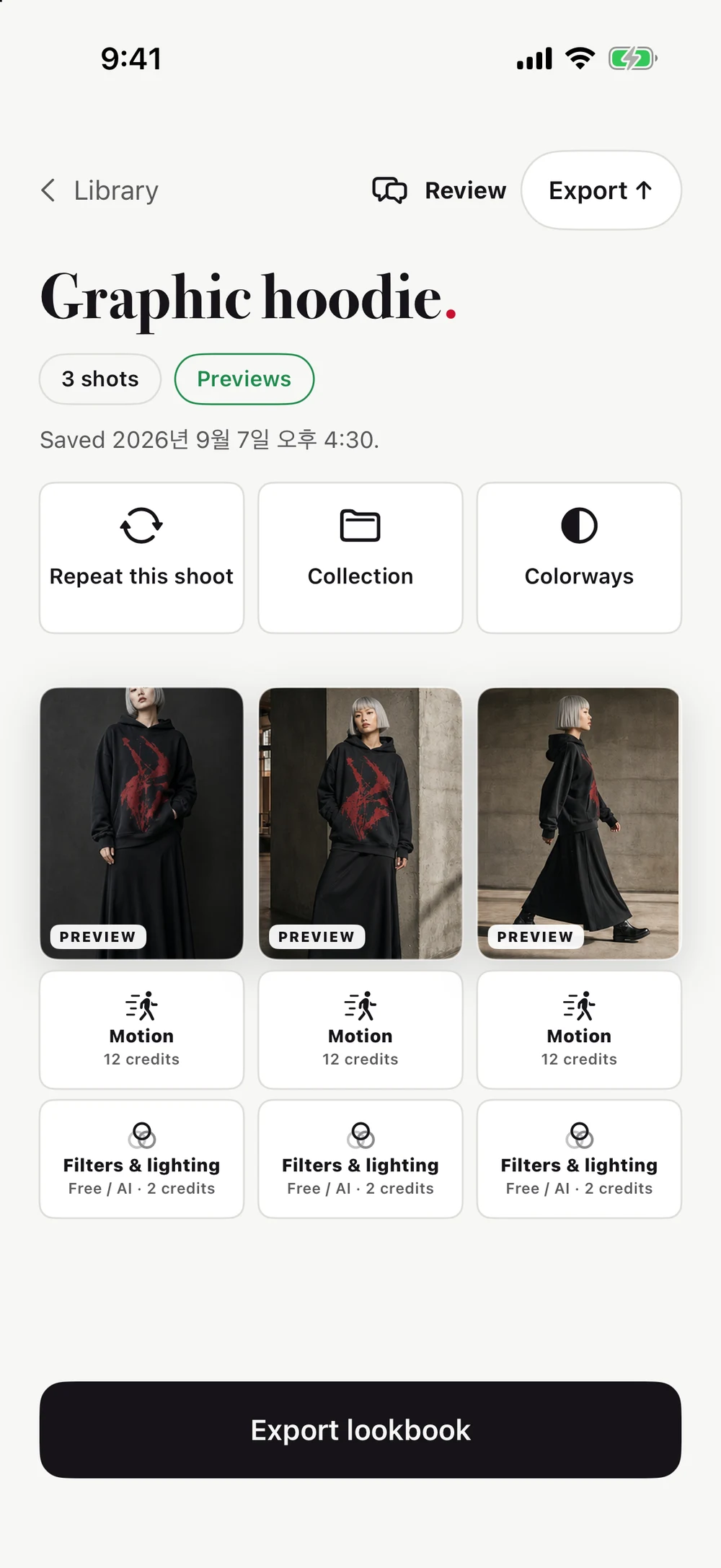
Finish the image, explore color variations, or create a 5-second motion look. Export the shots you choose.
Create ghost-mannequin product shots with a dimensional garment silhouette. Plan front, back, side, and detail views for your product page.
Select the area that needs attention. Refine garment shape, fabric, print, faces, hands, or backgrounds without starting the whole shoot again.
Create a 5-second model motion look or a 360-degree product turntable. Show the look beyond a still image.
Export image sets, social crops, and PDF lookbooks. Members can add their brand name in Brand Profile or PDF export; nonmembers can export with ONMODEL BASIC branding.
Bring a new garment to a saved casting, scene, and shot plan. Start directly from your results or Library.
Organize saved lookbooks in local folders. Keep a drop, a client, or a collection within reach.
The finishing touches
Keep a frame you like and take it in another direction. Refine its finish, relight the image, or explore a different garment color.
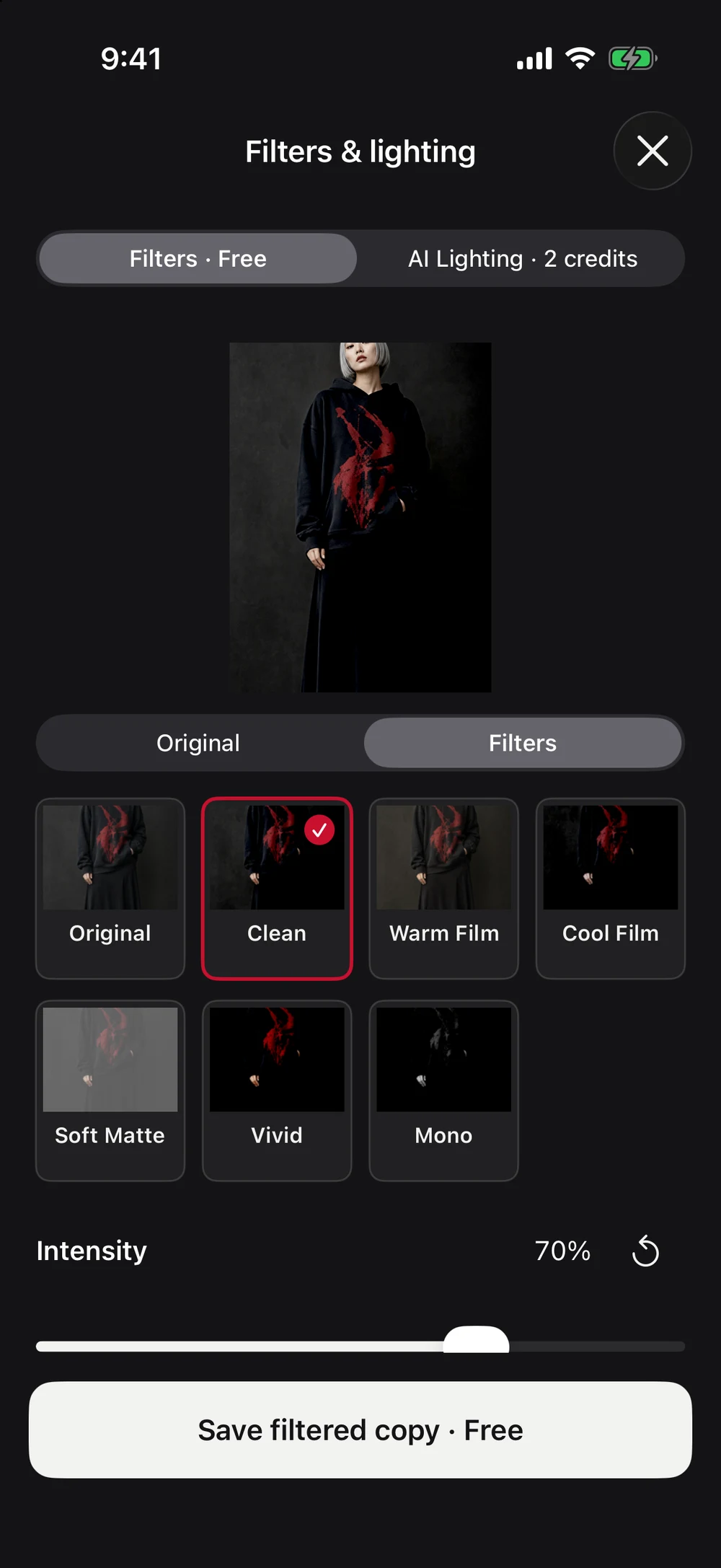
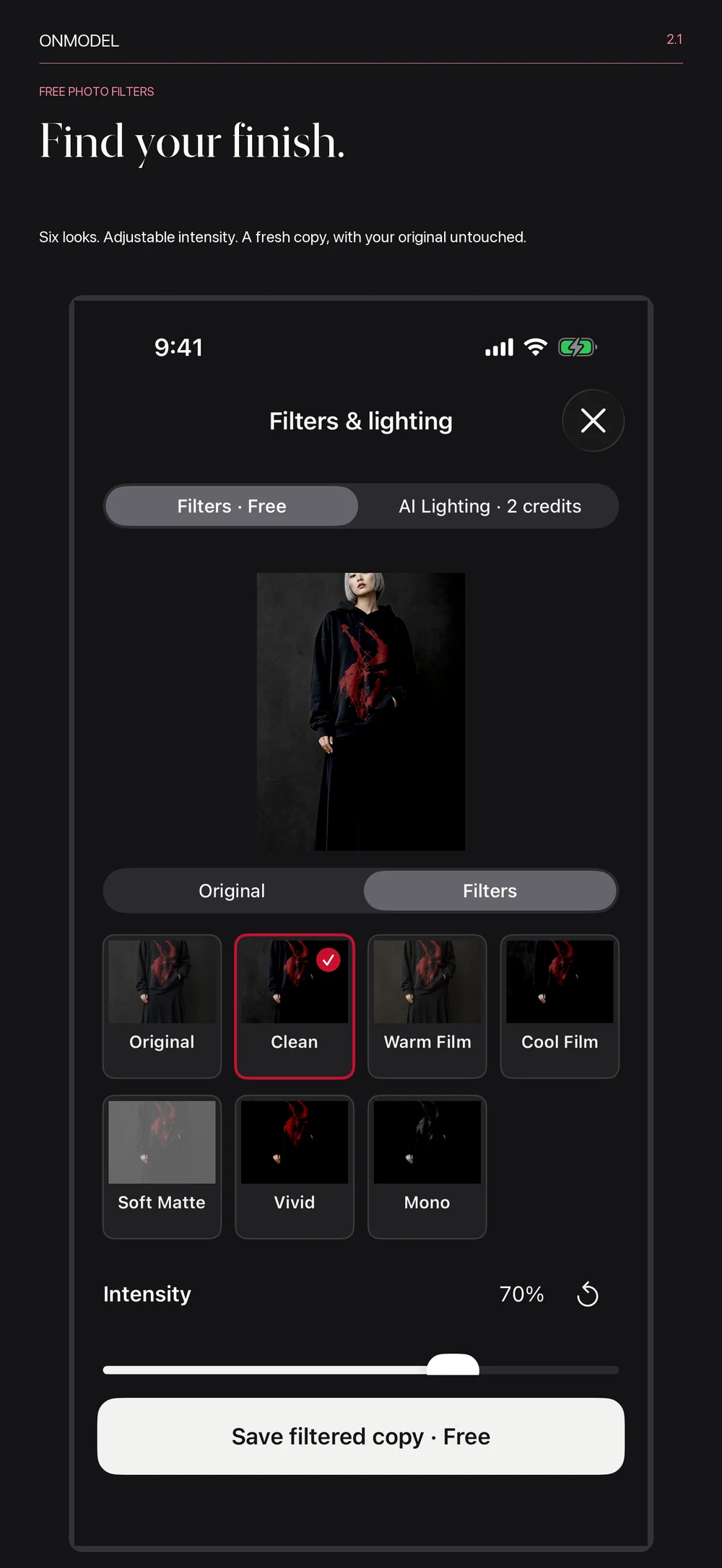
On-deviceFree
Clean, Warm Film, Cool Film, Soft Matte, Vivid, or Mono. Adjust the intensity, compare with the original, and save a separate copy. No credits needed.
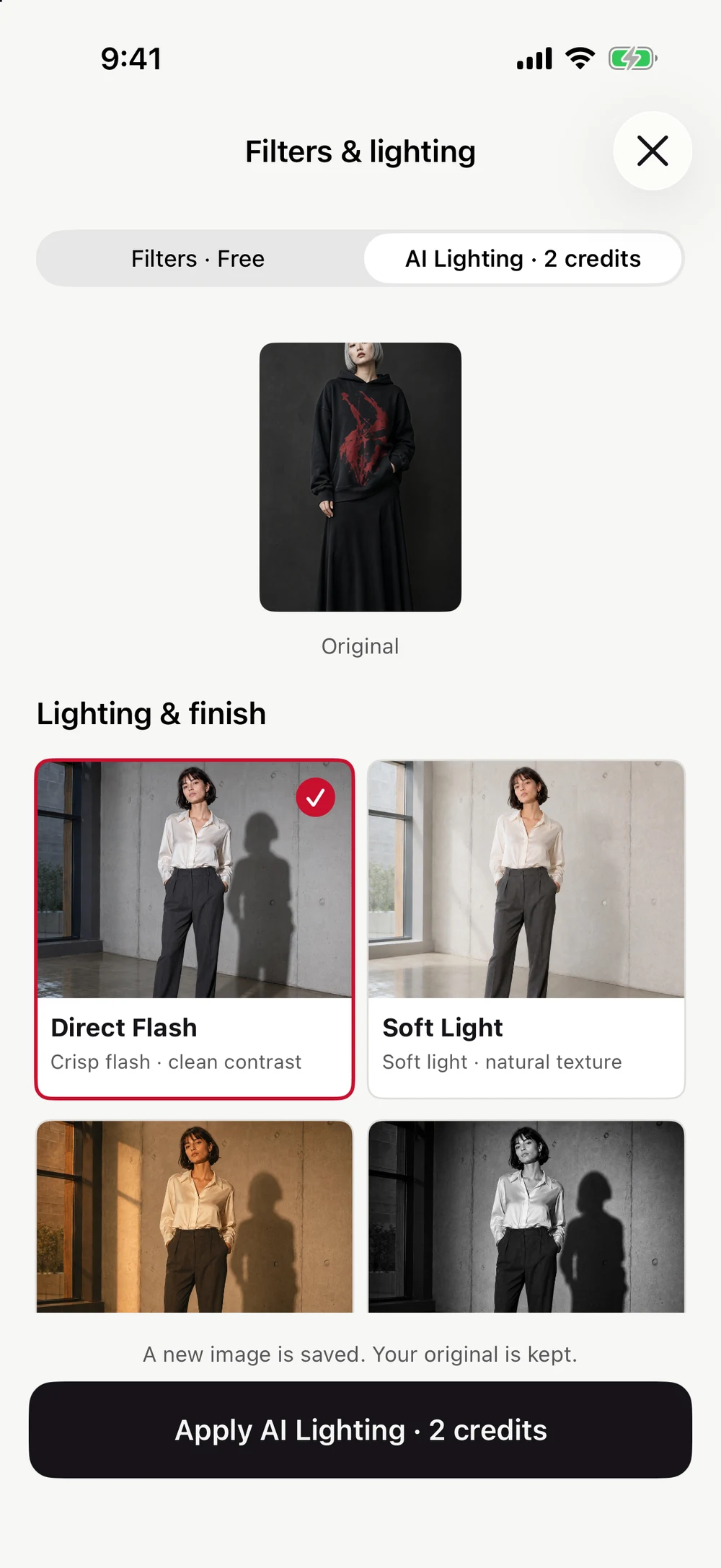
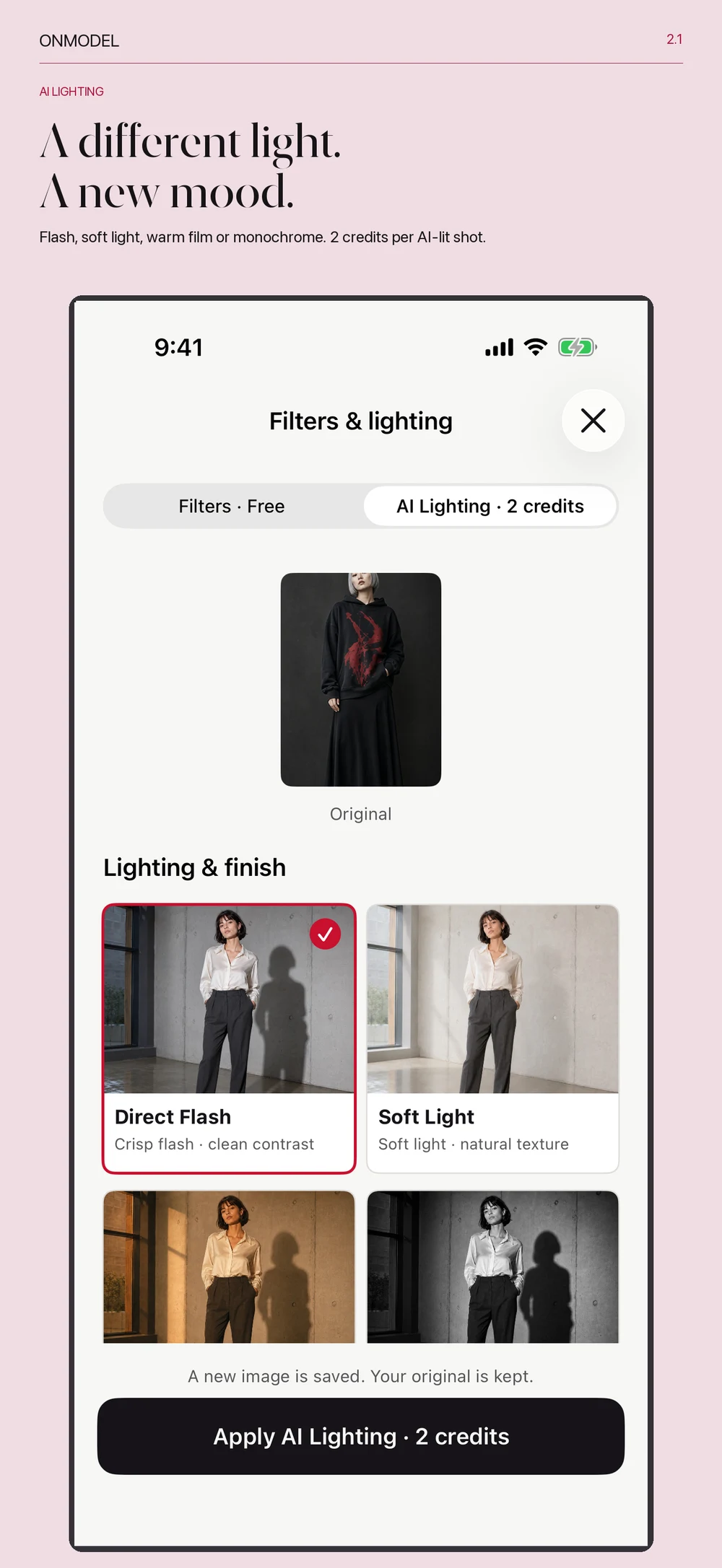
AI Lighting2 credits per shot
Choose Direct Flash, Soft Light, Film Warmth, or Silver Mono. Give a finished shot a different lighting treatment while keeping the original.
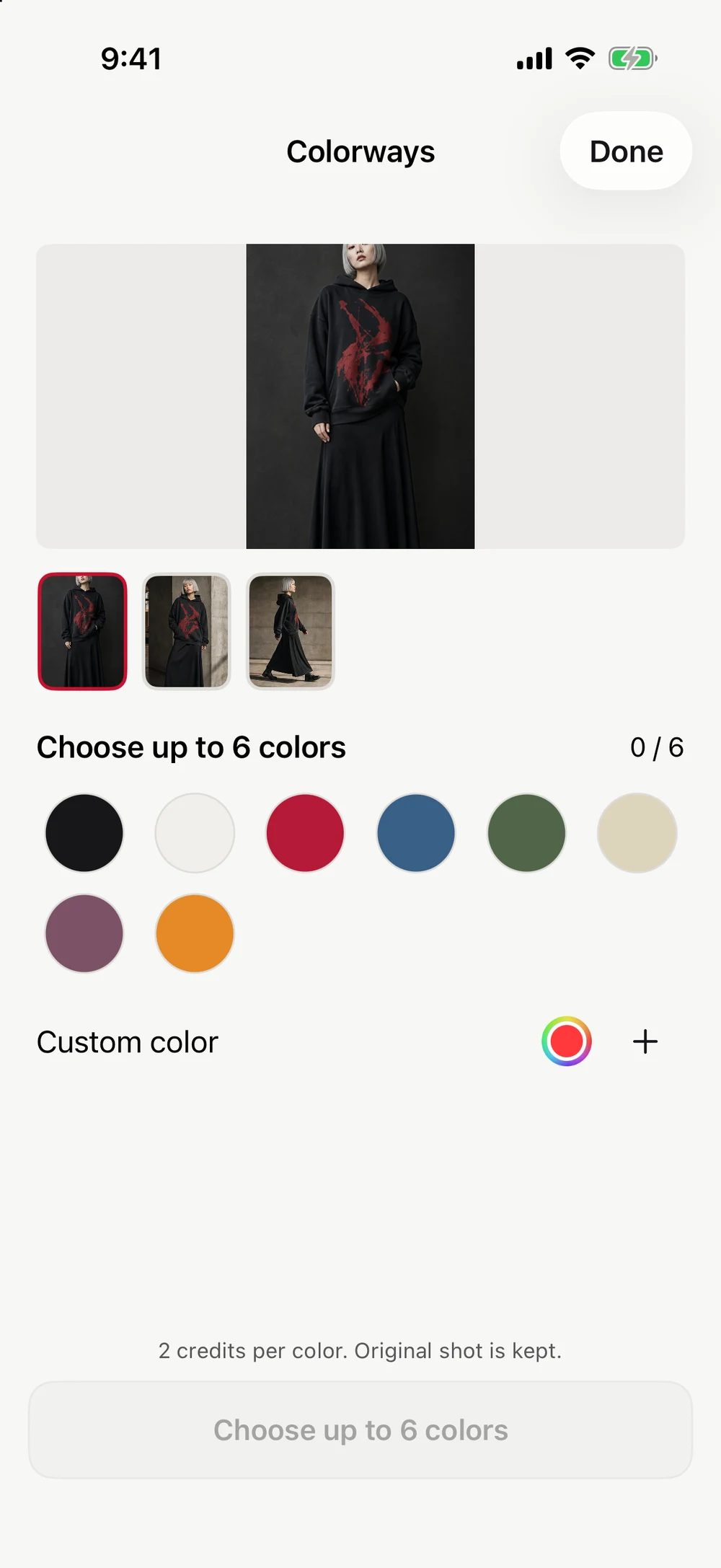
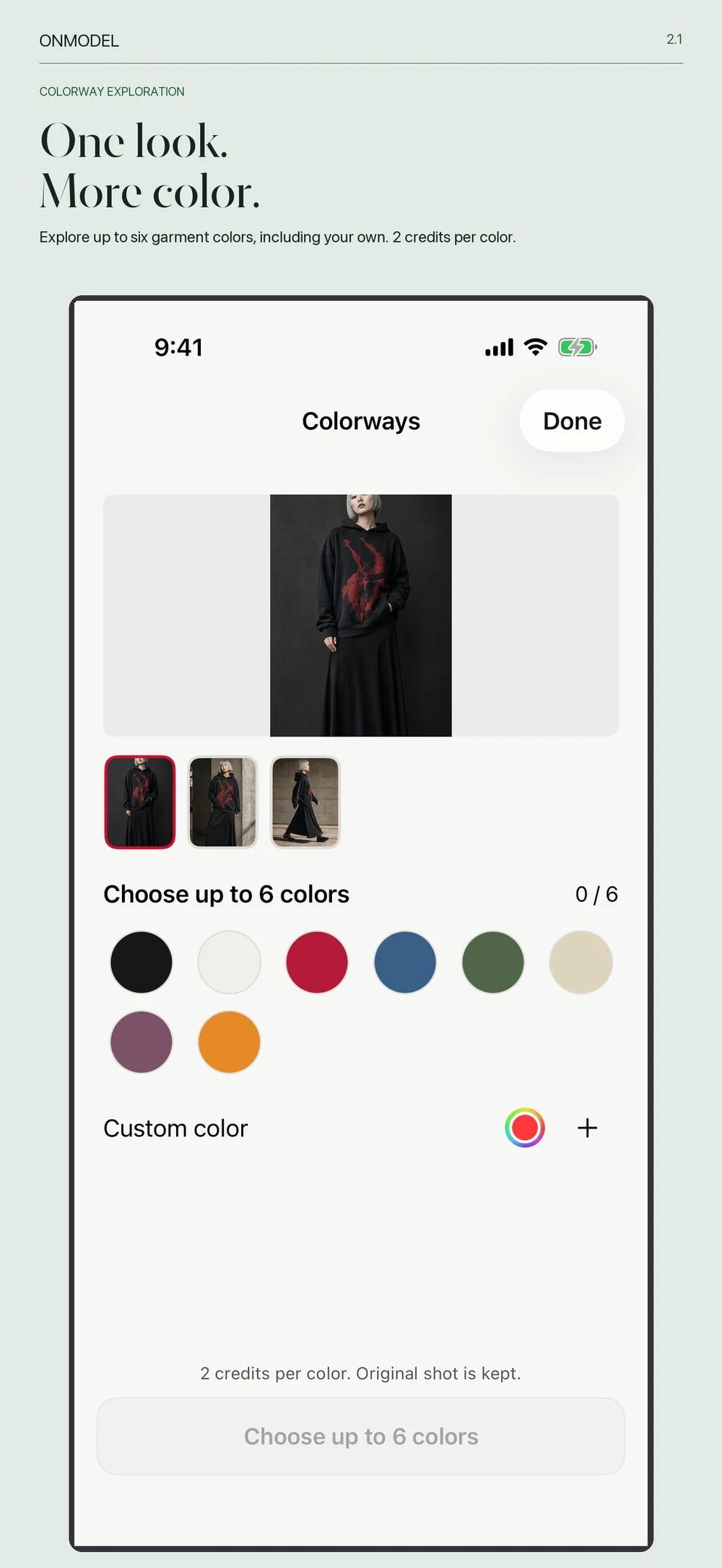
Colorways2 credits per color
Choose up to six colors, including your own shade. See the total before you start, follow each variant, and keep your original shot.
Inside the app
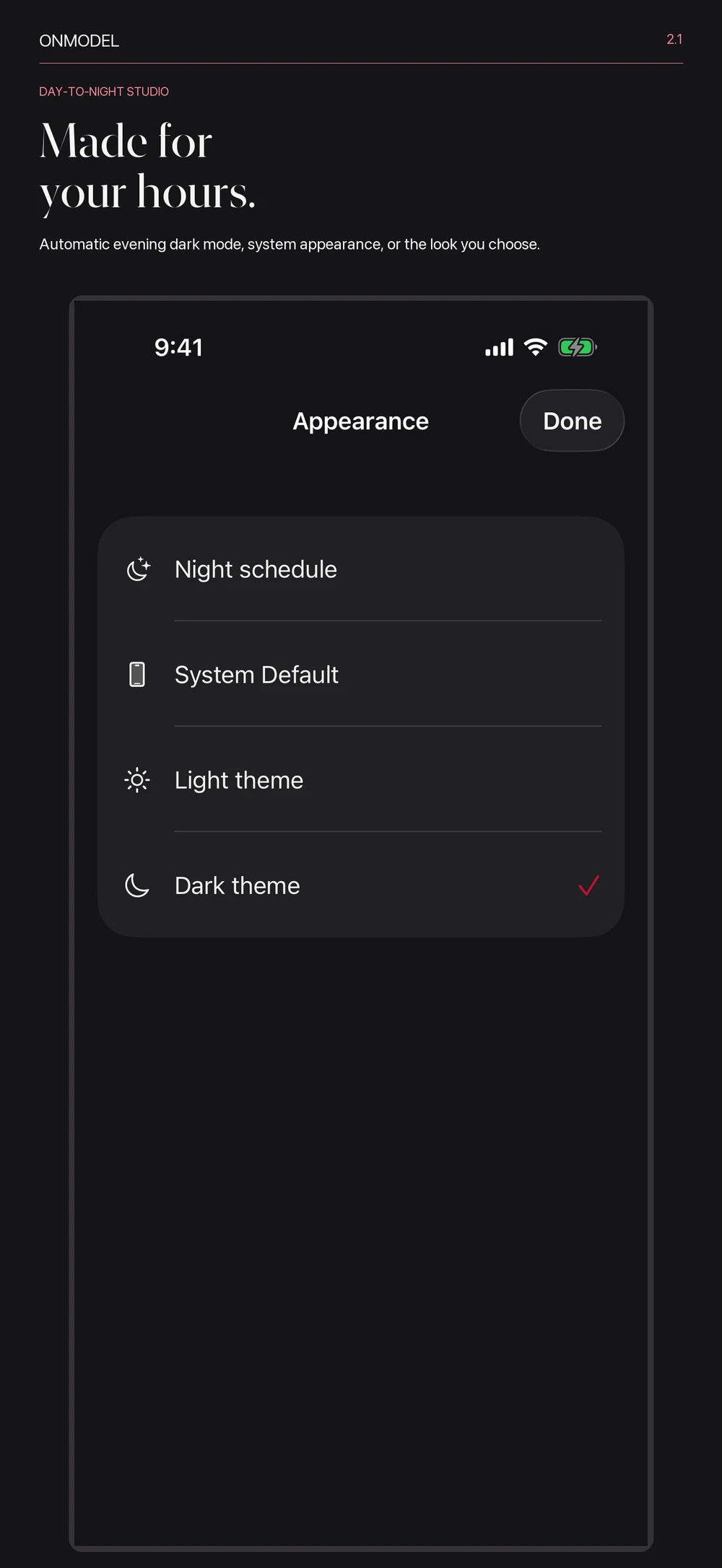
From choosing a face and a setting to making the final edit. See the real ONMODEL app, with light and dark appearances.
Screens show the iPhone app. Features and availability vary by platform and app version.

Start with one garment
Use credits when you need them. Membership is optional; members can add their own brand name to PDF lookbooks.