 VibeWear
In reviewFor iPhone and iPad
The first flat,
from your photo.
Spend less of your design process redrawing a sample from scratch. Turn a garment photo into a flat draft, then take the editable paths into your own workflow.
App Store review in progress. Not yet available on the App Store.
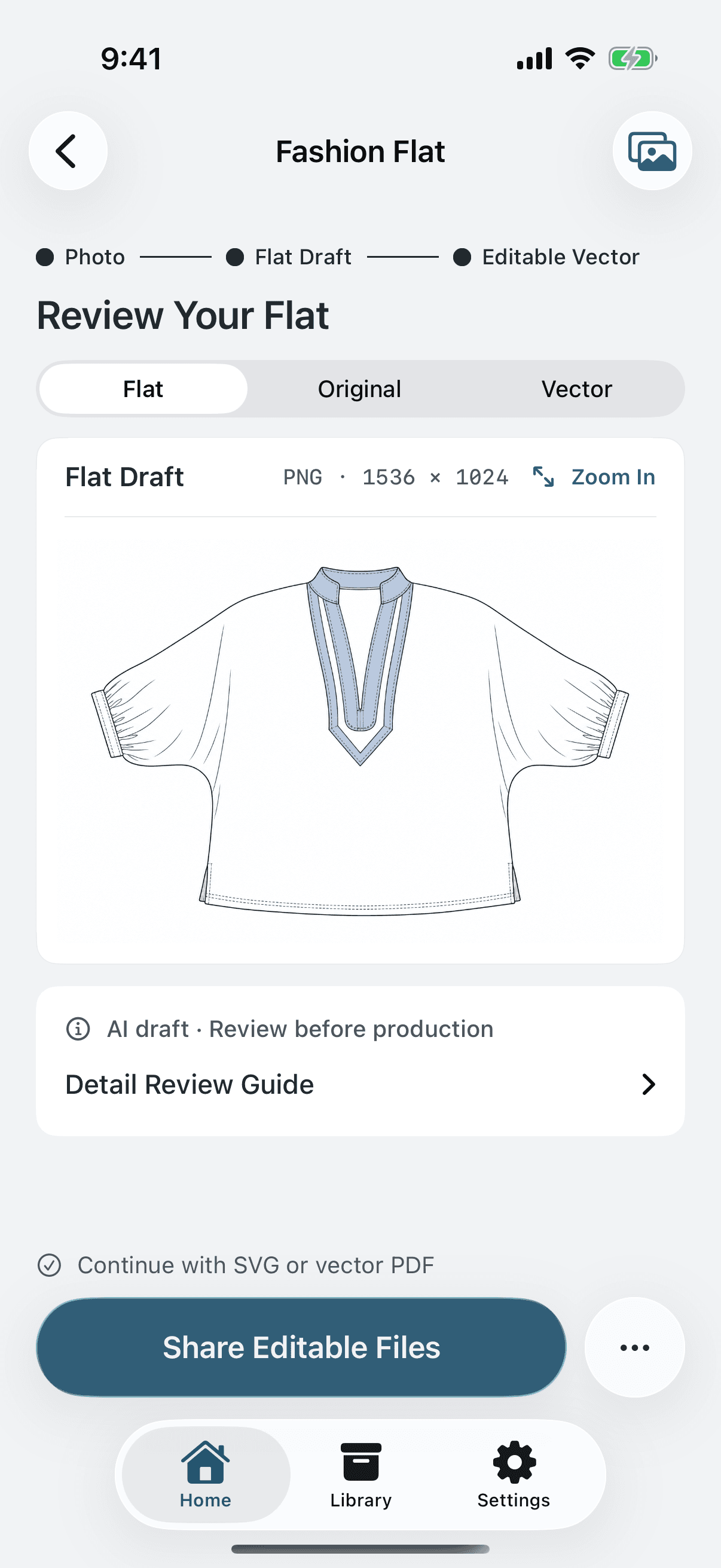
A focused designer’s tool
From a sample on your table
to a drawing on your screen.
Start with the garment.
Photograph a sample or choose a reference you have permission to use. A clear, unobstructed view gives the drawing a better starting point.
Generate. Then review.
Confirm AI processing and create a flat draft. Check the silhouette, seams, neckline, and sleeves against your garment before moving on.
Continue your own work.
Prepare editable paths on your device. Share an SVG or vector PDF to your computer and refine the drawing in Illustrator.
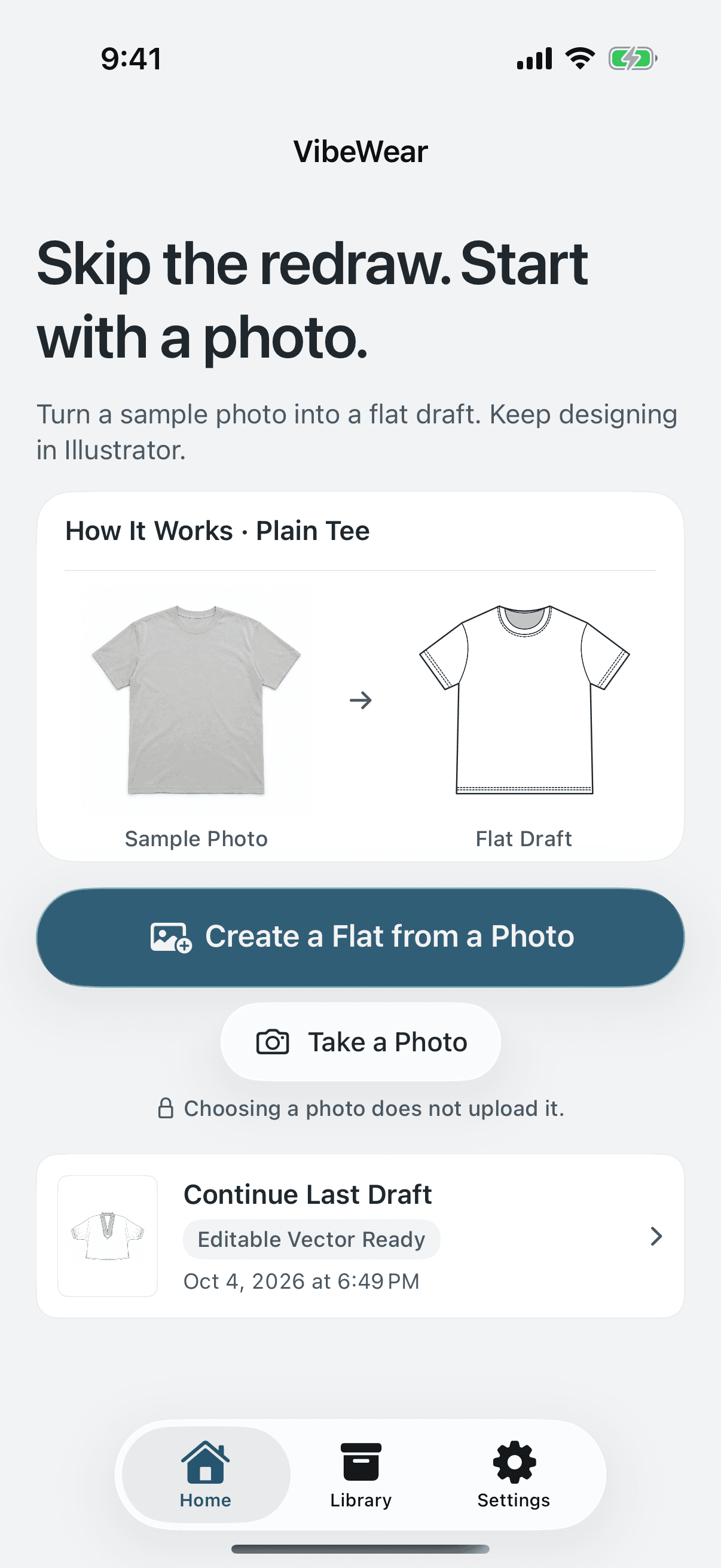
Your tools. Your next edit.
Leave with a file
you can work on.
Send the result to yourself with Mail, AirDrop, or Files. Choose the format that matches your next step.
- SVG / Vector PDF
- Auto-traced, individually editable paths for a vector editor. Review and clean up the drawing as needed.
- PNG / Image PDF
- A pixel-based preview for sharing and discussion. Individual lines are not editable.
Not a native .ai export. Open a vector file in Illustrator, then save as .ai. Exports do not contain garment-construction layers or verified measurements.
The designer stays in control
A head start.
Not a final specification.
AI may misread stitching, gathers, proportions, or details hidden in a photo. Every output is a draft to check against the garment—not a cutting pattern or a production-ready tech pack.
Your Library stays on this device. AI generation sends your selected photo and instructions through Supabase to OpenAI only after your confirmation. Local vector conversion and file preparation do not require another AI generation.
Read the pre-release privacy draftBuilt around the drawing